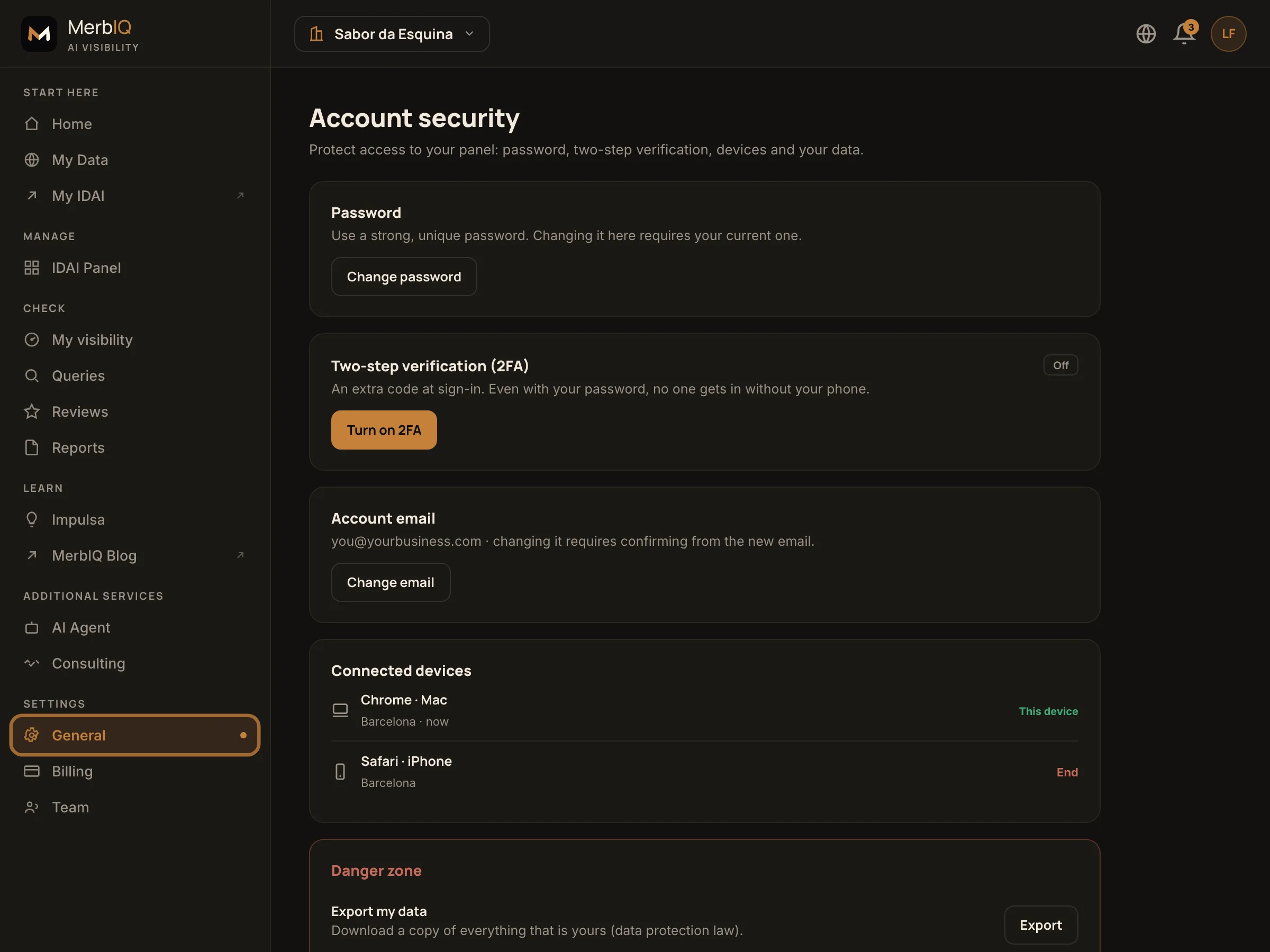
Everything that protects your access lives in Settings > Security: your password, two-step verification, connected devices, your email and your data. It is worth 5 minutes to make this strong.
What you control here
Change your password
Use a strong, unique password. Changing it requires your current password, so no one can change it for you.
Turn on two-step verification (2FA)
An extra code at sign-in. Even if someone finds your password, they cannot get in without your phone. Recommended.
Review connected devices
See where your account is open and end any session you do not recognize, right away.
Change your email
You can change the account email. For security, you confirm from the new address before it takes effect.
Export data or delete the account
Download a copy of everything that is yours (data protection law) anytime. Deleting the account removes it all and cannot be undone.
Turn on 2FA and store the recovery codes somewhere safe. It is the single step that protects your account the most, and it takes under a minute.
Frequently asked questions
I lost access to 2FA
Use one of the recovery codes you saved when you turned it on. Without them, contact support to recover access safely.
Is deleting the account reversible?
No. Deleting removes the account and data permanently. If you want to keep something, export your data first.
What is in the data export?
A copy of what is yours on the platform: account and IDAI data. It is your right to portability (data protection law).
What data do you keep? Do you sell it?
We keep the business data you publish and your visibility-scan data. We never sell your data. It is stored securely and you can export or delete it anytime. We comply with data protection law (LGPD/GDPR).