Your account is the door to your panel and your IDAI. Here you learn to create your account, verify your email and sign in - with a password or a magic link - and to recover access if you forget your password.
Step by step
Create your account
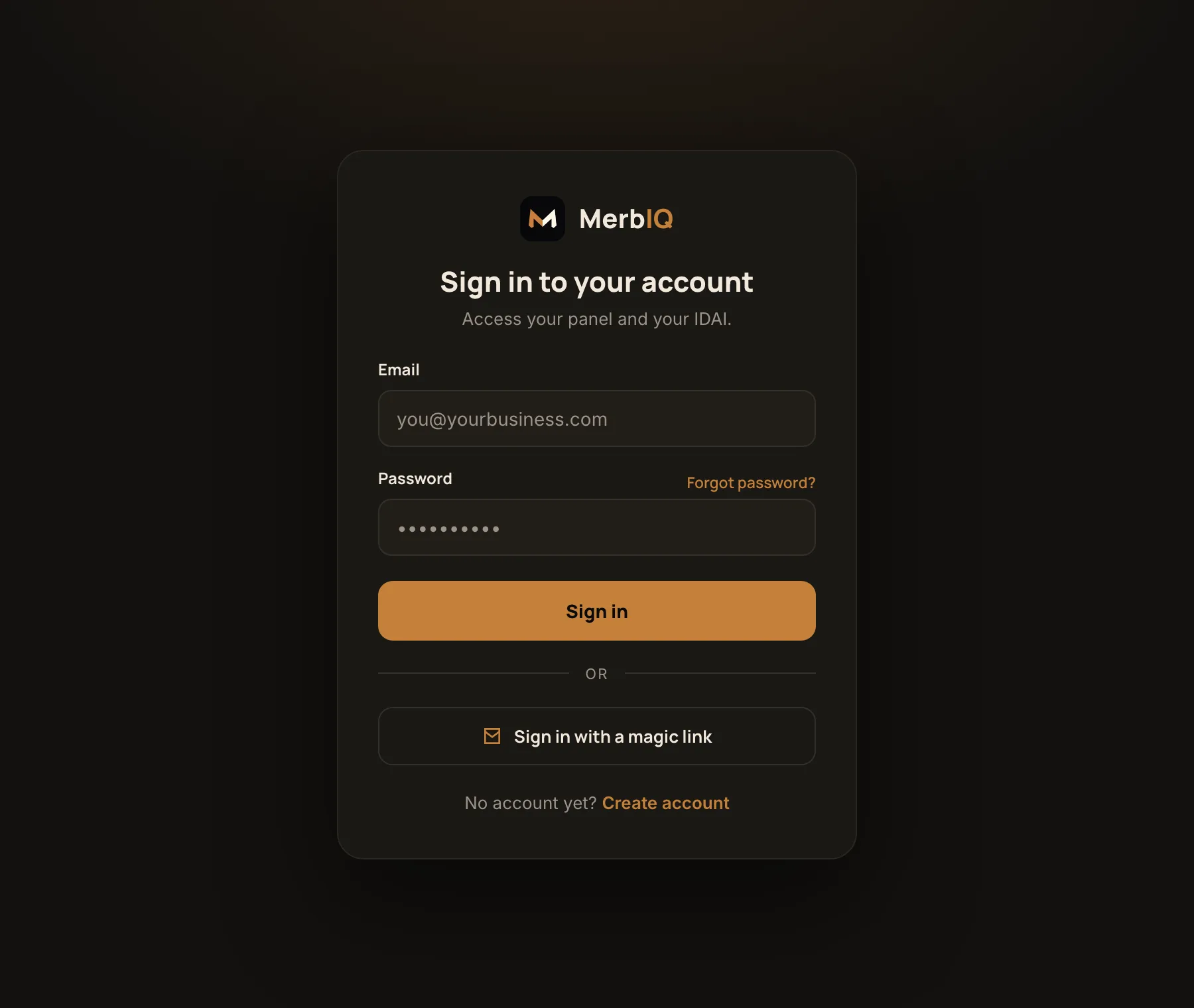
Enter your email and create a strong password. You can also sign in straight away with a magic link, without a password.
Verify your email
We send a link to your email. Click it to confirm the address is yours. Without it, the account stays limited.
Sign in
With email and password, or by requesting a magic link: a temporary access arrives in your email and you sign in without typing a password.
Forgot your password?
Click Forgot password, enter your email and follow the link to set a new one. It takes less than a minute.
Frequently asked questions
I did not get the verification email
Check spam and trash, confirm you typed the right email and ask to resend. The link expires; if it does, request a new one.
I forgot my password
Click Forgot password, enter your email and follow the link we send to set a new one. For security, the link expires.
Can I sign in without a password?
Yes. The magic link sends a temporary access to your email. It is handy and secure, with no password to remember.