Published your IDAI? Then show it off. Here you copy the link, generate the QR code and share in one tap. Every person and every AI that finds it makes your IDAI stronger.
Step by step
1
Copy the link
One tap copies your IDAI address (yourbusiness.merbiq.com). Paste it wherever you want.
2
Use the QR code
Download the QR and put it on your card, window, counter or menu. Whoever points a camera lands straight on your IDAI.
3
Spread it everywhere
WhatsApp, Instagram bio, email signature, Google listing. Consistency is what makes AIs trust you.
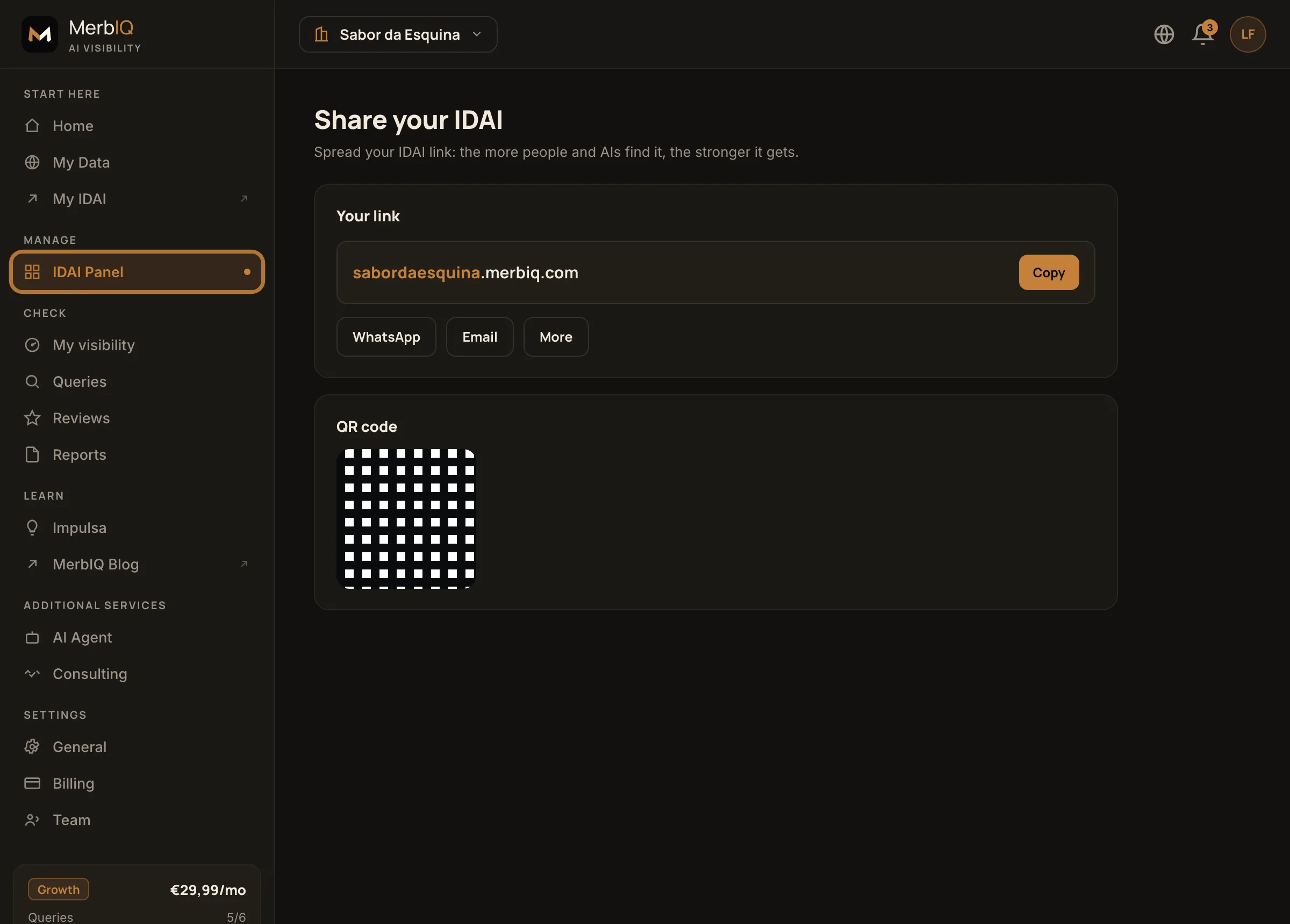
Share: the IDAI link, the share buttons and the QR code. Product screen.
Frequently asked questions
Where is it most worth putting the link?
Where people already are: social bios, WhatsApp, Google listing and email signature. The QR shines at your physical spot.
Does the link change if I edit the IDAI?
No. The address is fixed; editing the content does not change the link. So you can share it without worry.