My Data: complete what is missing
Your IDAI feeds on what you fill in under My Data. The more complete it is, the more AIs find you and trust you. And the panel shows you, step by step, exactly what is missing.
What to fill in, in the order that matters most
You do not have to do it all at once. Follow the order: each block brings you closer to being Found and then Featured.
Name, industry and where you operate
Business name, what you do and the city or neighbourhood. It is the minimum for the AI to know who you are and where to recommend you.
Contact: WhatsApp and phone
This is where the customer brought by the AI talks to you. Get your WhatsApp exactly right: it is what closes the sale.
Address and location
Full address with postal code and, if you can, the pin on the map. It is what makes you show up when someone asks for something "near me".
No fixed store? Fill in the area or the neighbourhoods you cover instead of an address. The AI understands "serves the whole city".
Opening hours
Days and times. That way the AI answers correctly when people ask "who is open now near me".
Registration, social media and website
Tax ID or professional board registration, social media and website (if you have one). Each extra proof is one more reason for the AI to trust you and recommend you.
The checklist: "what is missing"
The panel shows, in a list, what is still missing for you to level up: from Active to Found and then Featured. Complete it from top to bottom, no rush.
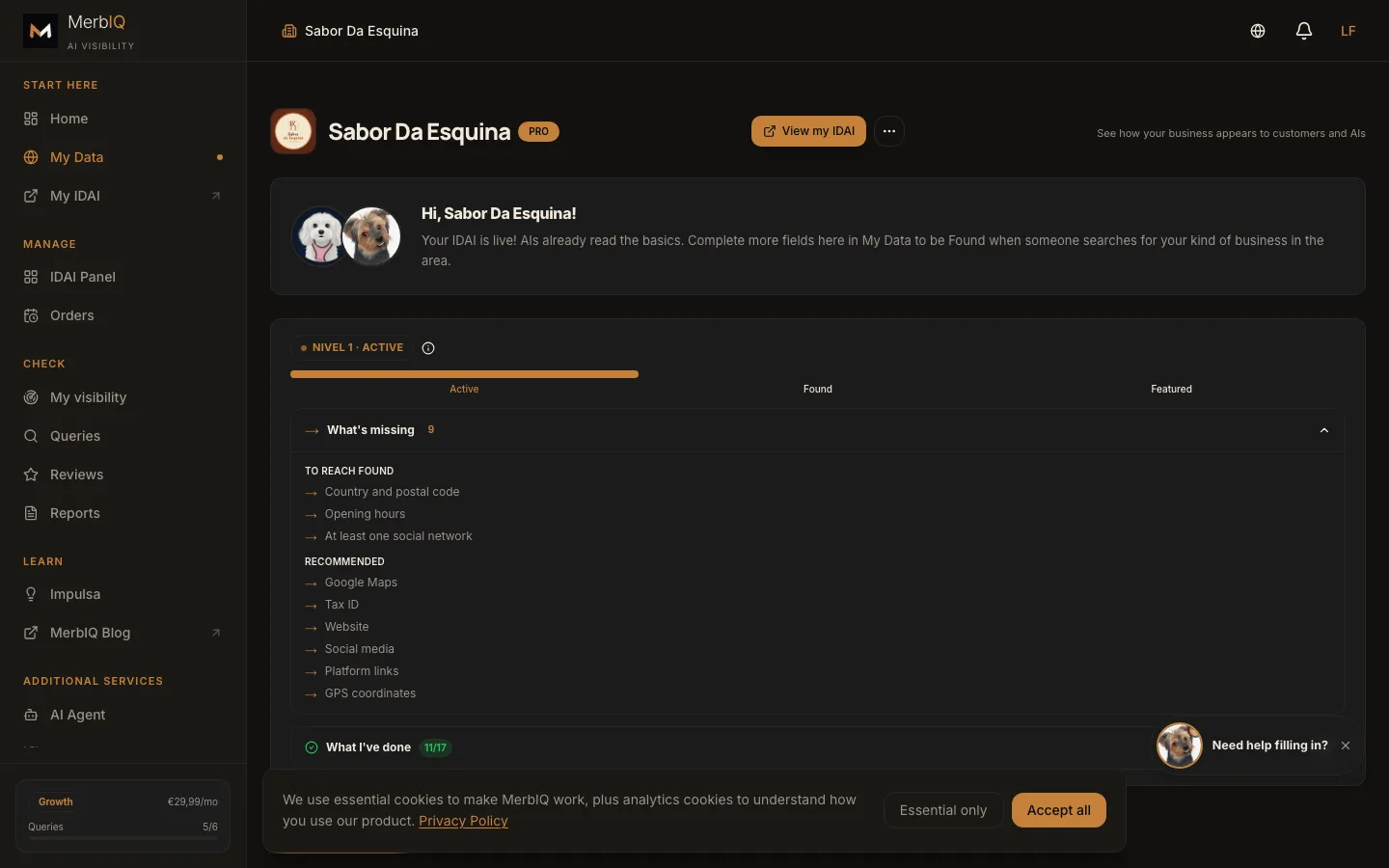
Every field you fill in is a question you start answering: "near me", "open now", "takes card". An empty field is an answer you lose to your competitor.
Frequently asked questions
Do I need to fill in everything at once?
No. Start with the essentials and contact; you complete the rest little by little. The checklist guides you from top to bottom.
I do not have a tax ID. Can I still do it?
Yes. The tax ID helps with trust, but you build your IDAI without it and add it later.
I serve at home, with no store. What about the address?
Fill in the area or the neighbourhoods you cover. The AI understands that you serve that area, even without a fixed location.
Complete your profile today
Every field filled in is a step towards being found and recommended by the AIs.
Go to My Data