A business that AIs recommend needs its own address on the web, not just a profile inside an app. Your IDAI is born with one: a clean, secure link that is yours to spread and for the AIs to find.
How to use your IDAI address
Your automatic subdomain
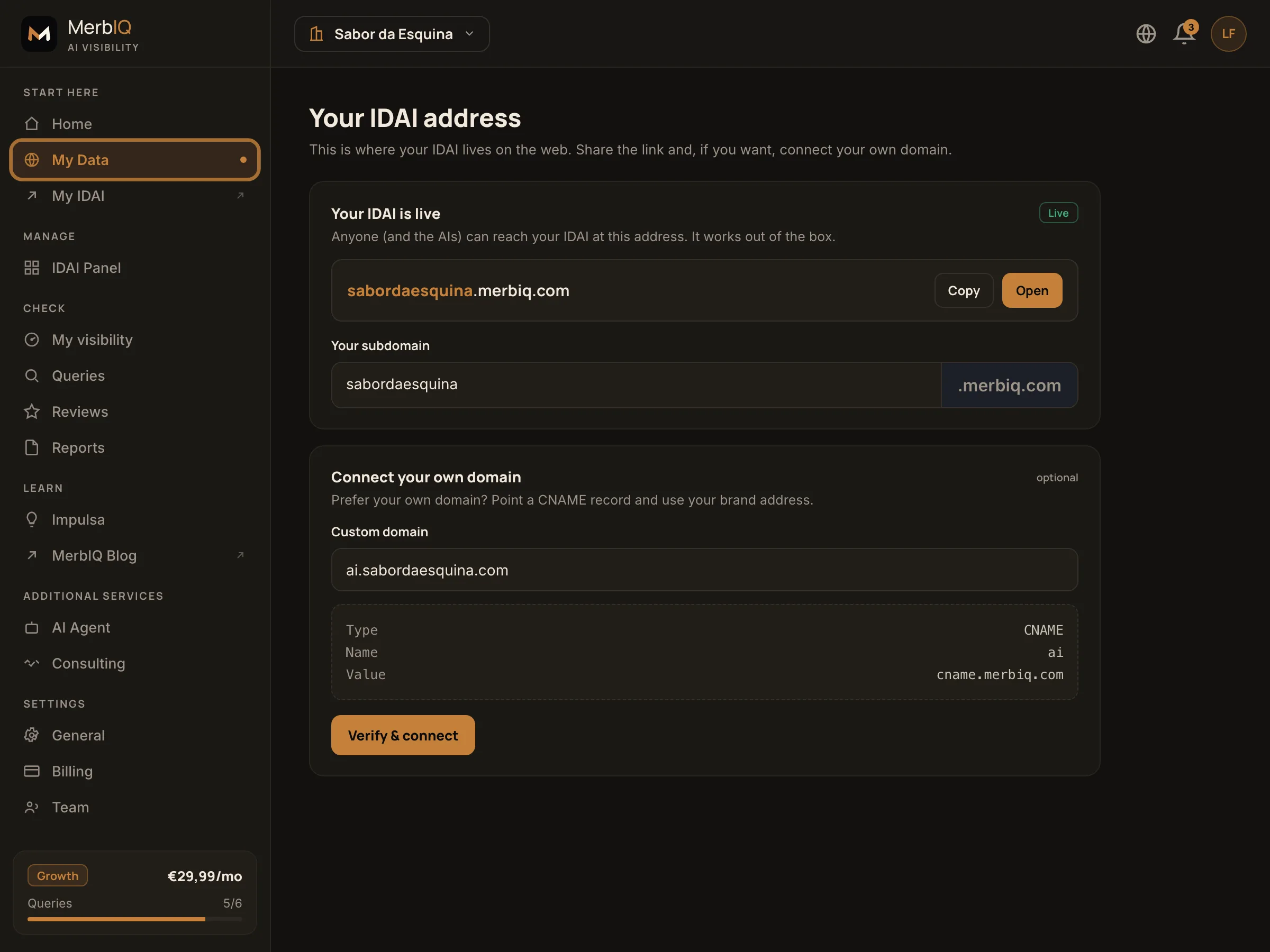
It is your profile address, like yourbusiness.merbiq.com.
When you publish, your IDAI already gets an address like yourbusiness.merbiq.com, with HTTPS and ready to use. Nothing to configure.
Share it everywhere
Copy the link and paste it on WhatsApp, in your social bios, on your card and in your email signature. The more people and AIs find it, the stronger it gets.
Connect your domain (optional)
Already have a domain? Point a CNAME record to MerbIQ and your IDAI lives at ai.yourbrand.com. We handle the HTTPS.
Keep it consistent
Use the same address on Google, on social and wherever you show up. Consistency is trust, and trust is what makes AIs recommend you.
Your IDAI is the only address you control 100%. An app can change the rules tomorrow; your link cannot. Treat it as your business's official address and make everything point to it.
Frequently asked questions
Do I need to buy a domain?
No. Your IDAI is born with its own secure subdomain (your .merbiq.com). A custom domain is optional, for those who want their brand address.
Is the address secure (HTTPS)?
Yes. Every IDAI is served over HTTPS, both on the subdomain and on the custom domain you connect.
Can I change my subdomain later?
You can. Pick a short name that is easy to say out loud. If you change it, update the link wherever you already shared it.
Give your business an address that fits it
Publish your IDAI and get your own link, secure and ready for the AIs.
Go to Address