IDAI for lawyers and accountants: authority the AI recognises

Photos like this help the AI, and whoever is searching, choose you.
"Employment lawyer near me", "accountant for a freelancer", "how much does it cost to set up a company". Many people ask this of the AIs before choosing a professional. With an IDAI, the answer can be you.
How to build your professional services IDAI
Your practice areas
List the areas, one by one: tax, employment, payroll. No price list. The AI points to "a payroll accountant", not "just any accountant".
Professional registration and experience
Your bar or professional body, plus your years of experience. It's what the AI reads as real authority.
Content that proves expertise
Short articles explaining a topic in your field. Whoever explains a question well becomes the reference the AI cites.
Reviews with confidentiality
Ask for reviews without exposing the case. The client talks about the experience, not the file. Trust shows, confidentiality stays.
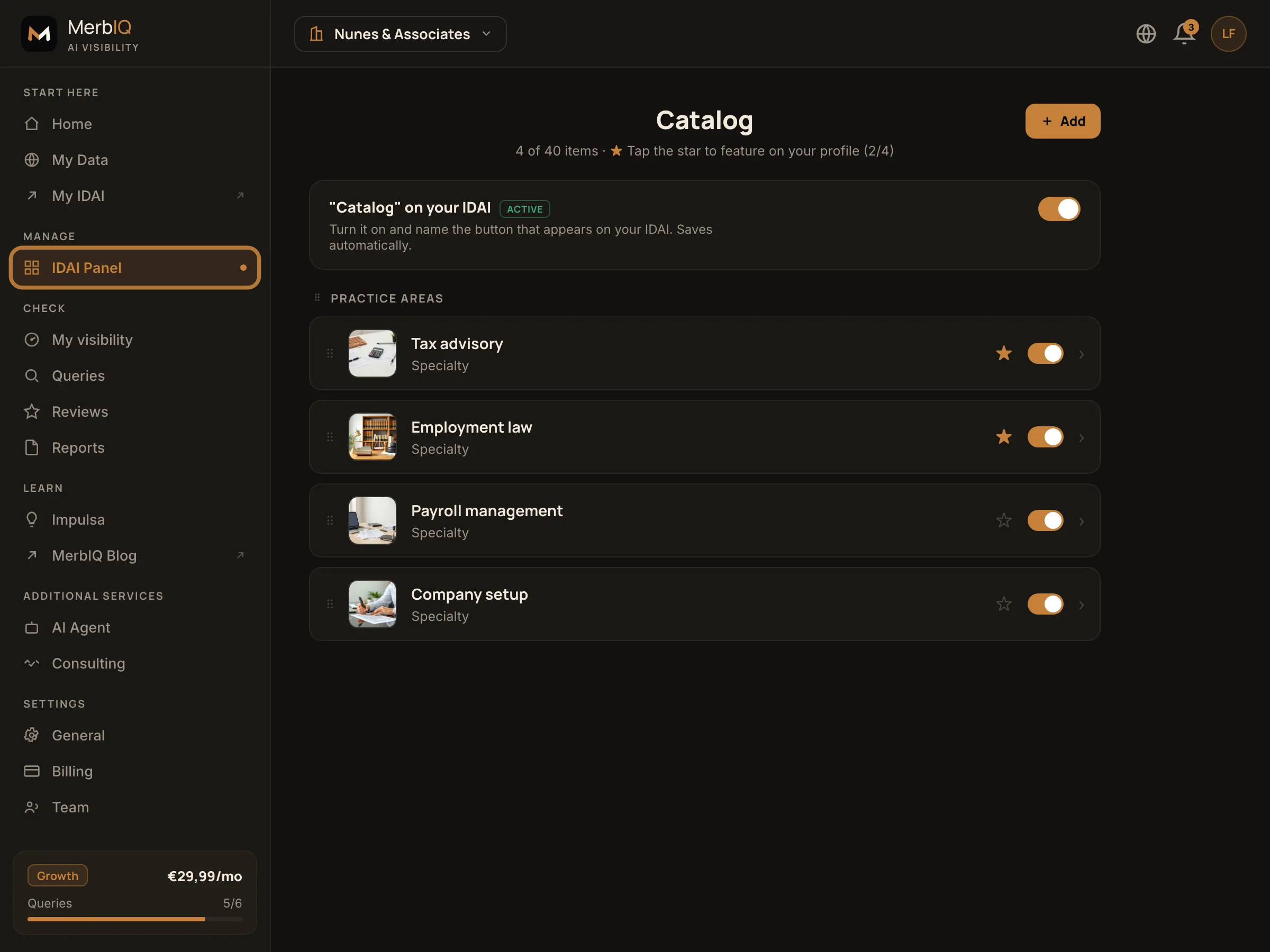
The independent professional doesn't sell a product, they sell trust and expertise. Professional registration, clear areas and your own content: that's what the AI reads as authority. Every well-described area is a question you now get to answer.
Frequently asked questions
Can I promote myself while respecting my professional body's code of ethics?
Yes. The focus is information: your practice areas, your professional registration and your authority. No aggressive soliciting, no promise of results. It's the professional becoming visible, not advertising a won case.
My service is confidential. What do I show?
Show areas and specialities, never cases or clients. The AI needs to know what you master, not who you serve. Confidentiality stays intact.
Be the authority the AI points to
Set up your IDAI practice areas and show up when someone looks for your kind of professional.
Create my IDAI