IDAI for hotels and guesthouses: be the stay the AI suggests
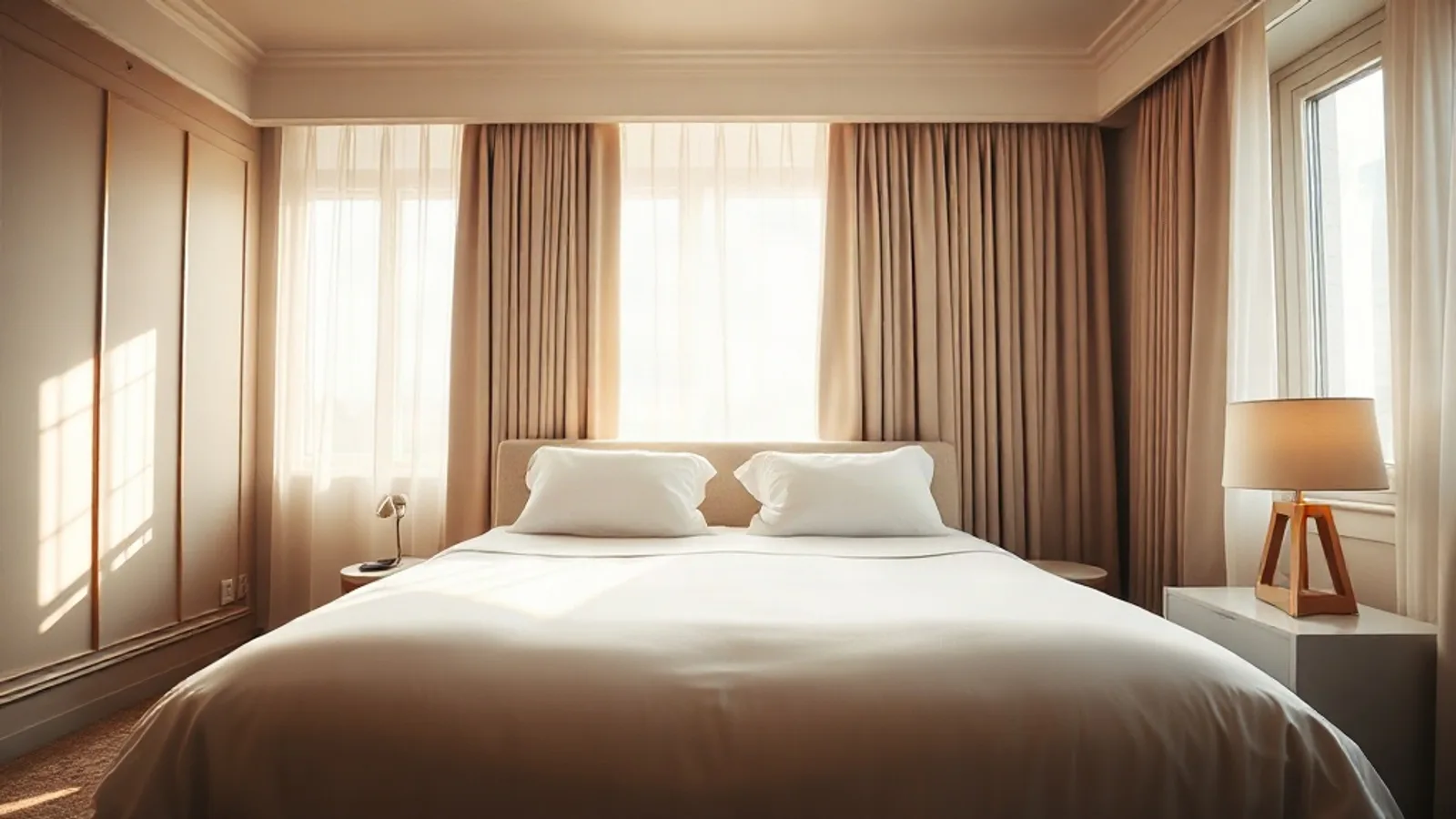
Photos like this help the AI, and whoever is searching, choose you.
"Guesthouse near the beach", "pet friendly hotel", "room for a couple for the weekend". Thousands ask this of the AIs when they travel. With an IDAI, the stay the AI suggests can be yours.
How to build your hotel IDAI
Rooms and suites, one by one
Each room as an item, with a photo and a from rate. The AI recommends "the suite with a view", not "a hotel".
Amenities
Wi-Fi, breakfast, parking, pets welcome. It's what answers "with breakfast" and "pet friendly".
Bookings and WhatsApp
A button to check availability straight on WhatsApp. The guest asks about their dates and you confirm.
Reviews
The proof that decides the booking. Ask your guests with your link.
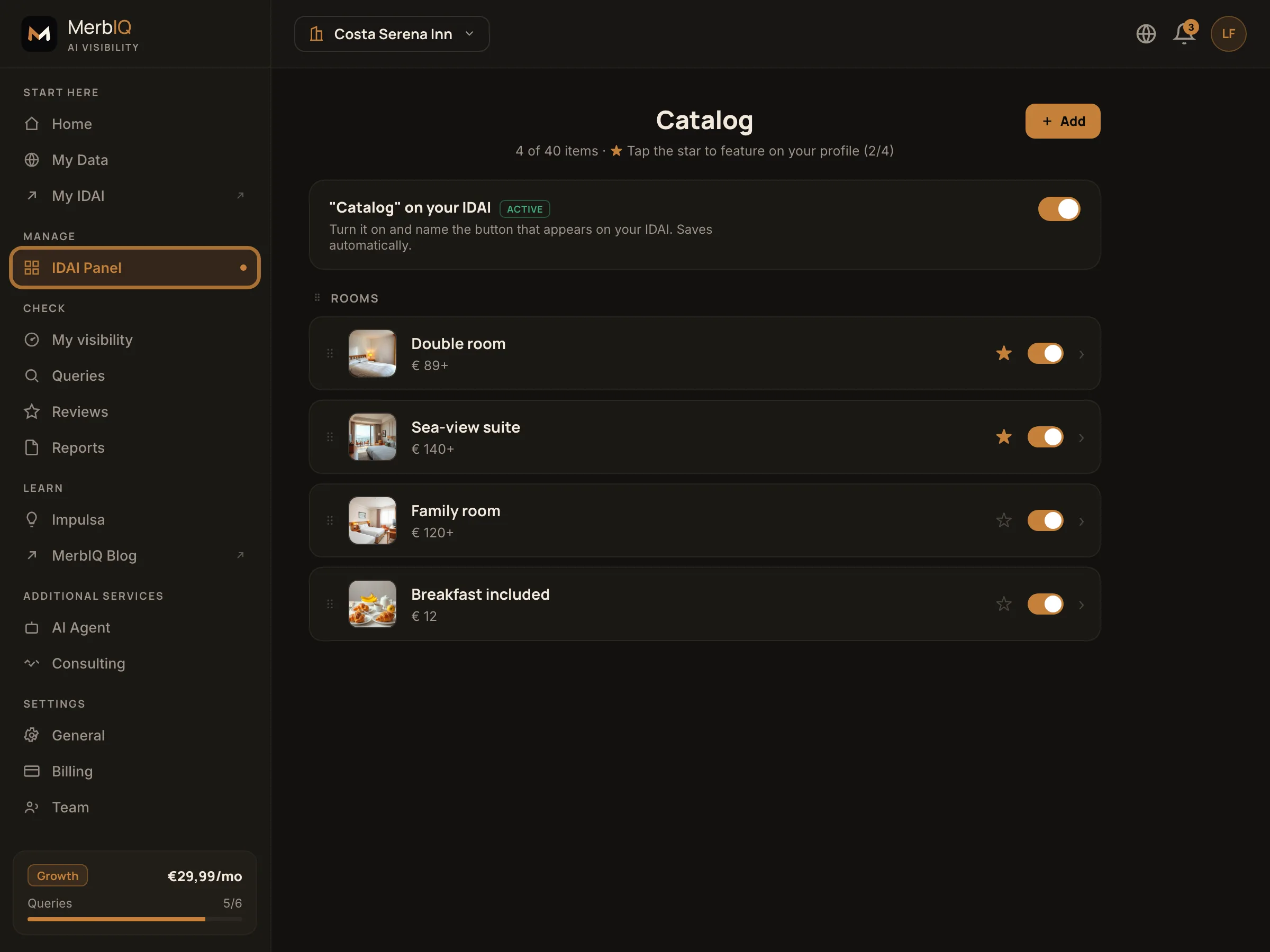
Travel is decided on trust: photos that convince and reviews that reassure. The IDAI brings it all into one place and answers "best guesthouse near X" with your rooms, your photos and your reputation.
Frequently asked questions
How do I set a price that changes by season?
Use a from rate and the check availability button. The AI shows the reference price and the guest talks to you for their own dates.
I'm already on Booking. Do I need the IDAI?
Booking shows you to people already searching there. The IDAI puts you in the answers the AIs give, which is where travel search is heading.
Fill your rooms through the AIs
Set up your IDAI catalogue and be the stay the AI suggests.
Create my IDAI