IDAI for restaurants: be the answer when hunger strikes
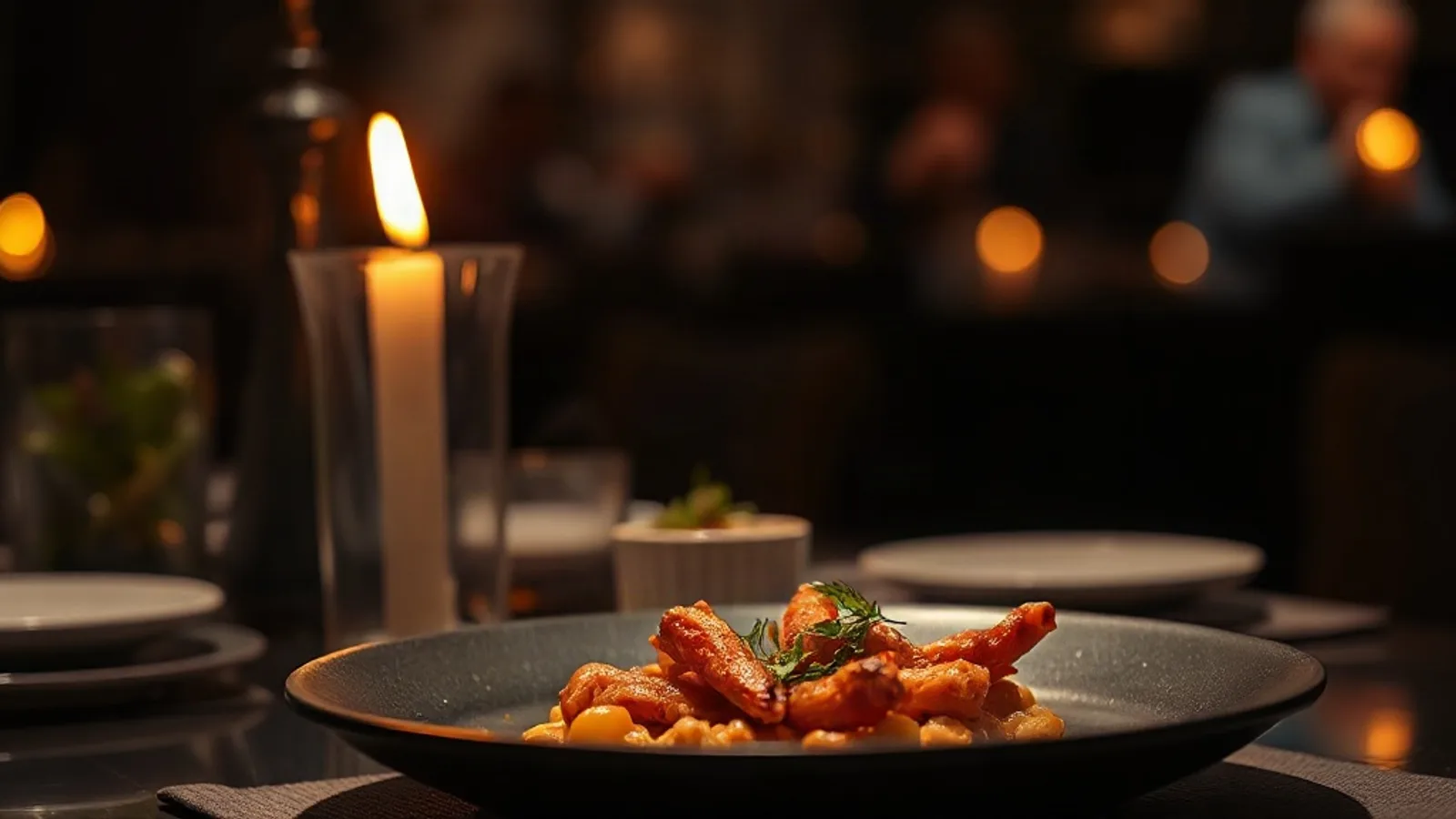
Photos like this help the AI, and whoever is searching, choose you.
"Best restaurant near me", "where to eat now", "restaurant that delivers". Thousands ask this of the AIs every day. With an IDAI, the answer can be yours.
How to build your restaurant IDAI
The menu, dish by dish
Add your best sellers with a photo and price. The AI recommends "the Sunday roast", not "a restaurant".
Hours and delivery
Days, times and whether you deliver. It's what answers "open now" and "that delivers".
Photos that make mouths water
A real or AI-generated photo of each dish. Good-looking food sells, to the customer and to the AI.
Reviews
The proof that decides between you and the place next door. Ask your customers with your link.

The AI doesn't recommend "a restaurant". It recommends "the Sunday roast, on Sundays, that delivers in your neighbourhood". Every specific dish on the menu is a question you now get to answer.
Frequently asked questions
I'm already on Uber Eats and Google. Do I need the IDAI?
Yes. Those apps show you to people already searching there. The IDAI puts you in the answers the AIs give, which is where search is heading.
My menu changes all the time. Is it a hassle?
No. You update it in seconds, without paying anyone, and highlight the dish of the day whenever you want.
Fill the room through the AIs
Set up your IDAI menu and be the recommendation when hunger strikes.
Create my IDAI