IDAI for shops and retail: be found by people who want to buy nearby

Photos like this help the AI, and whoever is searching, choose you.
"Where to buy near me", "shop open now", "gift for an occasion". Thousands ask this of the AIs every day. With an IDAI, the answer can be your shop.
How to build your shop IDAI
By lines and categories
For fast-moving stock, register the lines you sell, not item by item. "Women's clothing", "footwear", "gifts" already put you in many searches.
Highlight best sellers and new arrivals
What sells the most and what just came in. The AI recommends the specific, and the customer walks in to see it.
Hours, pickup and delivery
Days, times and whether you do in-store pickup or delivery. It's what answers "open now" and "can I grab it today".
Reviews
The proof that decides between you and the shop next door. Ask your customers with your link.
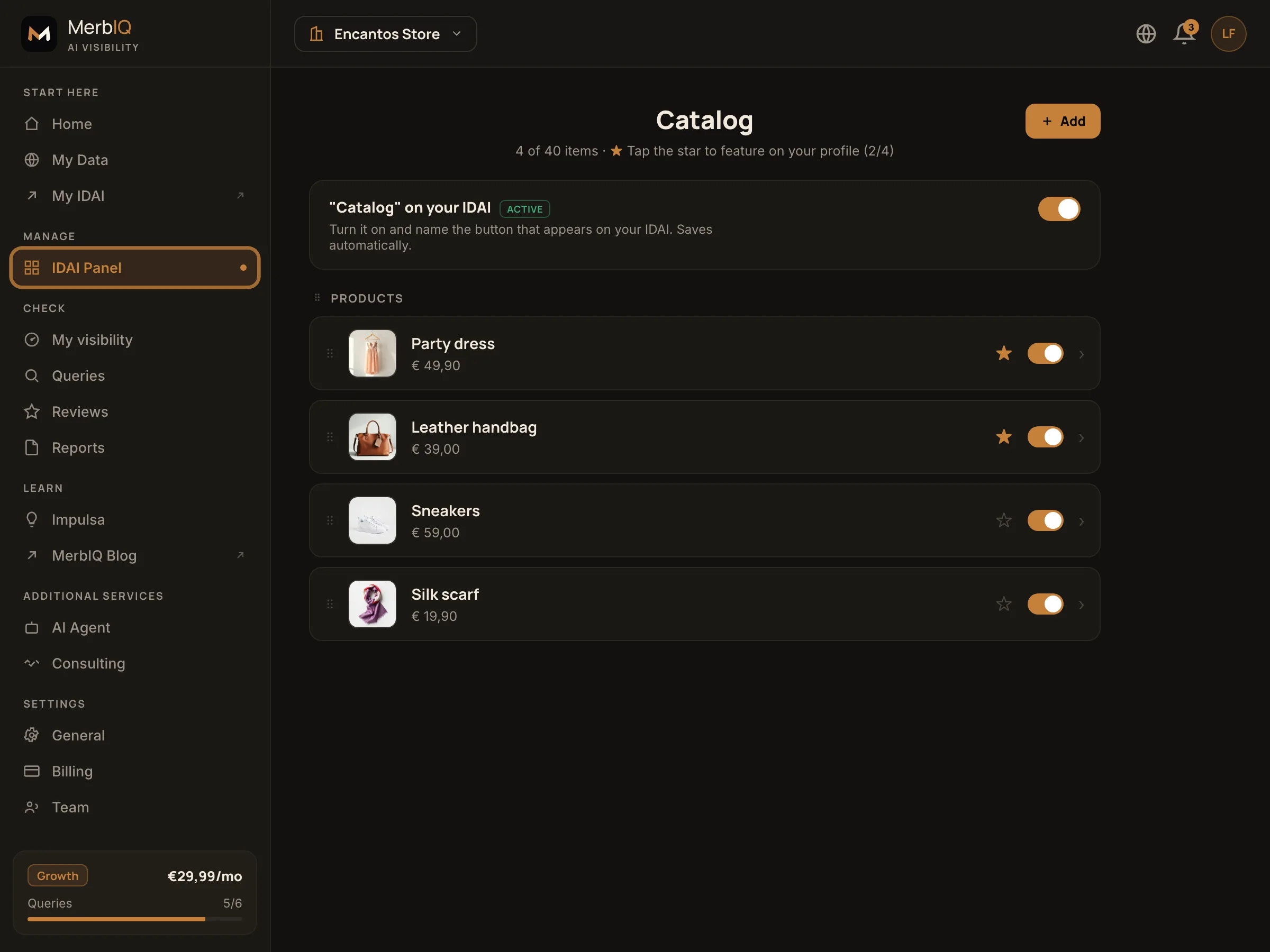
The AI recommends "party dress size L near me", not "a shop". The clearer your lines and categories, the more specific searches you get to answer.
Frequently asked questions
My stock changes every week. Is it a hassle?
No. You register the lines and categories you sell, not item by item. And you highlight whatever you want whenever you want.
Does the AI recommend a product or my shop?
It recommends your shop when you are the best answer for someone looking for that nearby. The clearer your lines, the more searches you answer.
Be found by people who want to buy nearby
Set up your IDAI catalogue by lines and be the recommendation at the moment of purchase.
Create my IDAI