From zero to a profile AIs read, in the right order and with no back and forth. Follow these 5 steps.
5 steps and done
Your IDAI is born
3 questions (where you are, your name and field) and you have a draft. 3 minutes.
Your description
It is what AIs read most. Answer in one line: what you do, where/who you serve, what makes you different and one proof (years, specialty). One click on "Improve with AI" and it is polished.
Contact, hours and address
Fill it all at once. AIs use it to answer "are they open?" and "where are they?" for you.
Activate the plan
With the plan active (code or subscription) you unlock catalog, personalization and publishing.
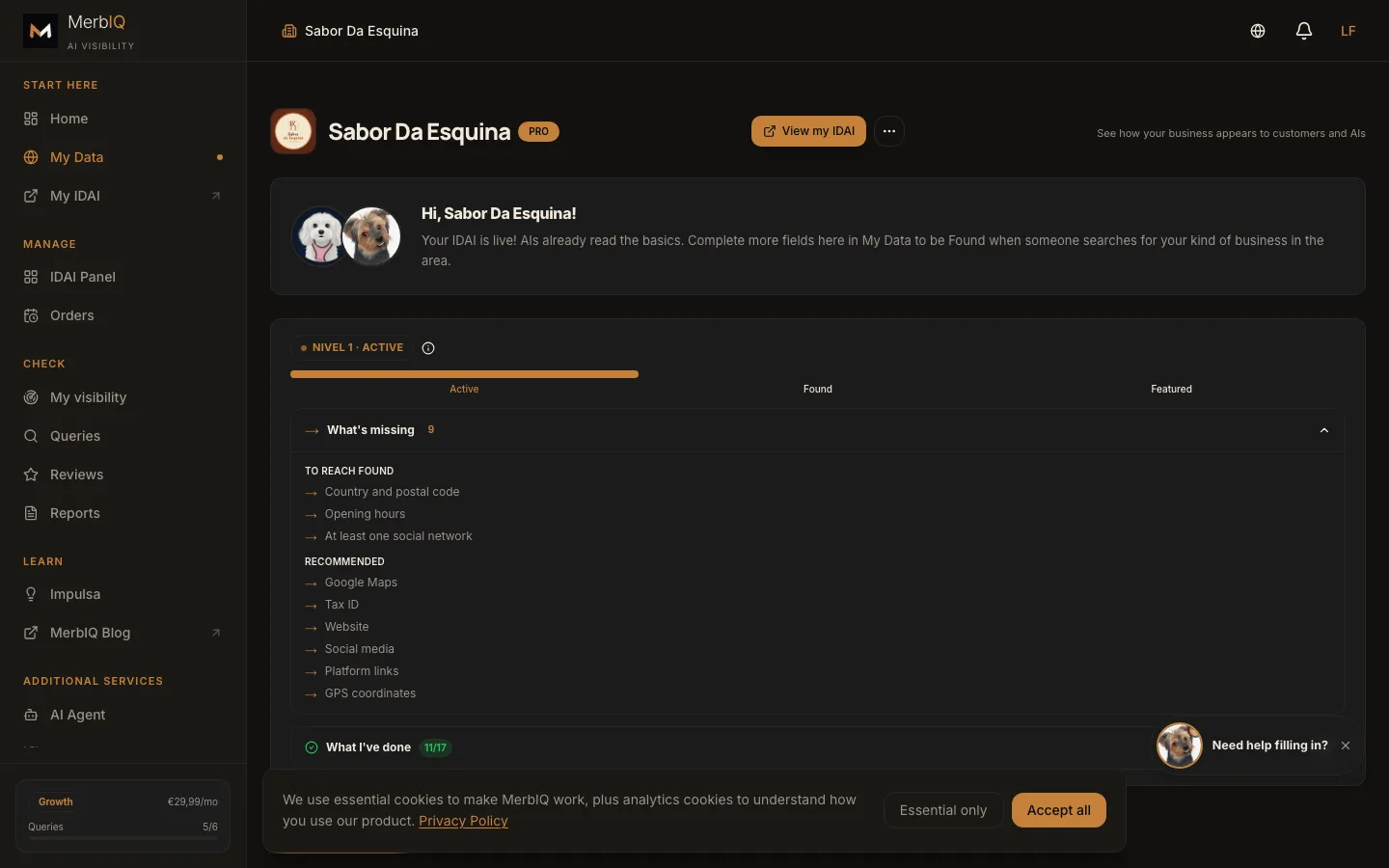
Fill it and publish
Add 3-5 catalog items (text → improve with AI → photo → save), upload 1-3 photos to the gallery, pick a cover and color, and publish. Done: your profile is live, with its own address.
Frequently asked questions
Do I need a website to have an IDAI?
No. It works on its own, and if you already have a website you can connect it.
I never had anything online. Can I do it?
Yes. It is 5 guided steps, no jargon. It takes about 15 minutes.
Ready to be found by AIs?
Start your IDAI now. It takes minutes and you see the result instantly.
Create my IDAI