IDAI for gyms and personal trainers: fill your classes through the AIs

Photos like this help the AI, and whoever is searching, choose you.
"Gym near me", "personal trainer to lose weight", "how much is the membership". Thousands ask this of the AIs every day. With an IDAI, the answer can be yours.
How to build your gym IDAI
Modalities and plans, one by one
Monthly membership, quarterly, session pack, fitness assessment: each plan becomes an item with a price. The AI recommends "the quarterly strength plan", not "a gym".
Hours and class schedule
Days, times and the class schedule. It's what answers "is there an evening class" and "open on weekends".
Trainer with no venue
No fixed spot? Set your service area or mark that you work online. The AI recommends you by area or remotely.
Reviews and content
The proof that decides between you and the place next door, plus training tips that show authority. Ask for reviews with your link.
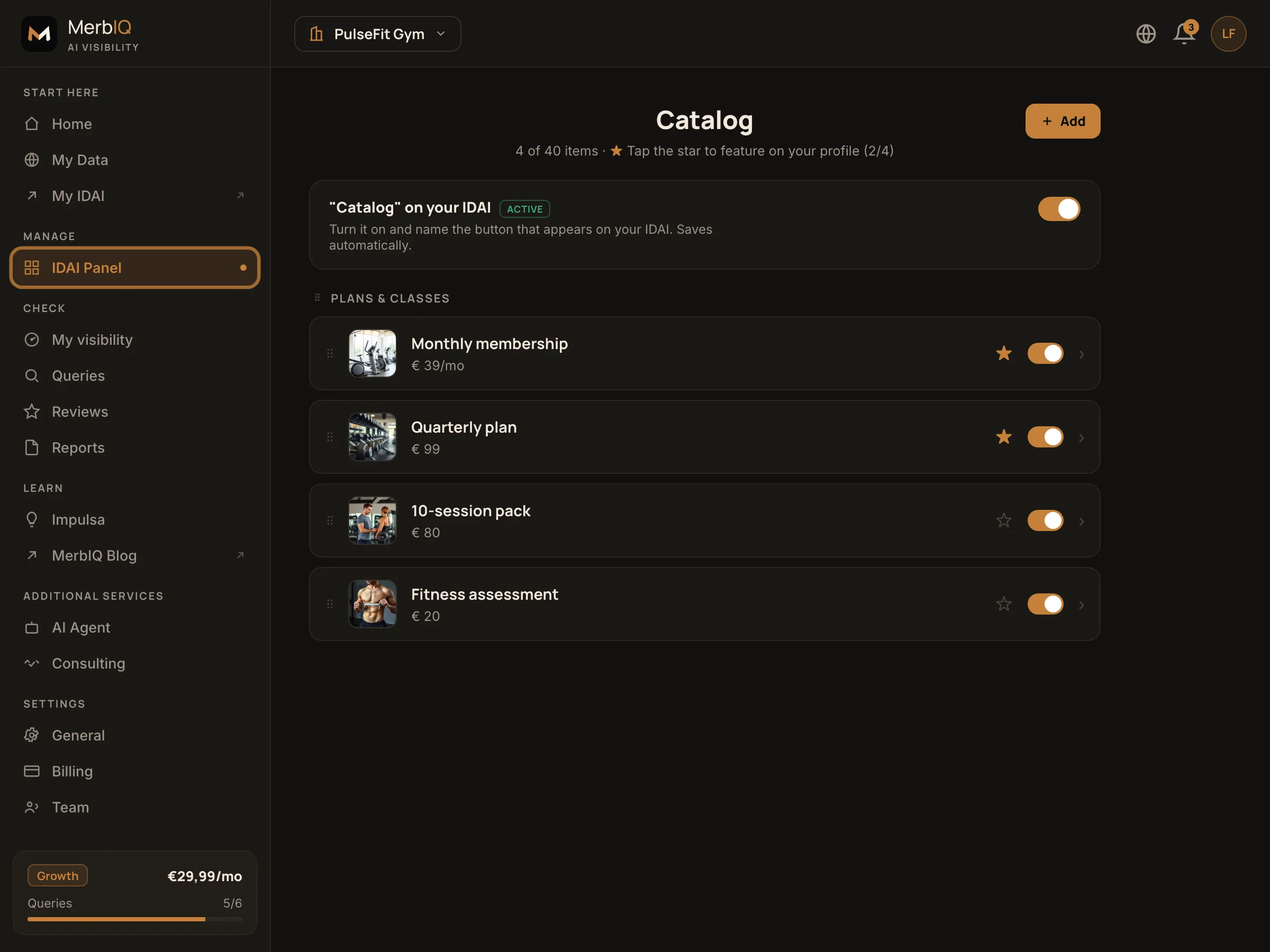
In a gym, recurring revenue is your gold. Keep plans and modalities clear in the catalogue and the AI starts answering both "how much it costs" and "near me" correctly. Every specific plan is a question you now get to answer.
Frequently asked questions
I'm a personal trainer with no gym, I only work at home or online. What about the address?
No problem. Instead of a fixed address, you set your service area or mark that you work online. The AI starts recommending you by area or by remote service, not by a point on the map.
How do the membership and session packs fit in?
As catalogue items. Each plan (monthly, quarterly, session pack, fitness assessment) becomes an item with a price. That way the AI answers correctly when people ask how much it costs.
Fill your classes through the AIs
Set up your IDAI plans and schedule and be the recommendation for anyone looking to train.
Create my IDAI